Stunning product images.One click.
Upload a product photo. Vixelo builds the scene, the lighting, and the camera work. Studio-grade showcase images up to 4K. That's the Vixelo Effect.
Before / After
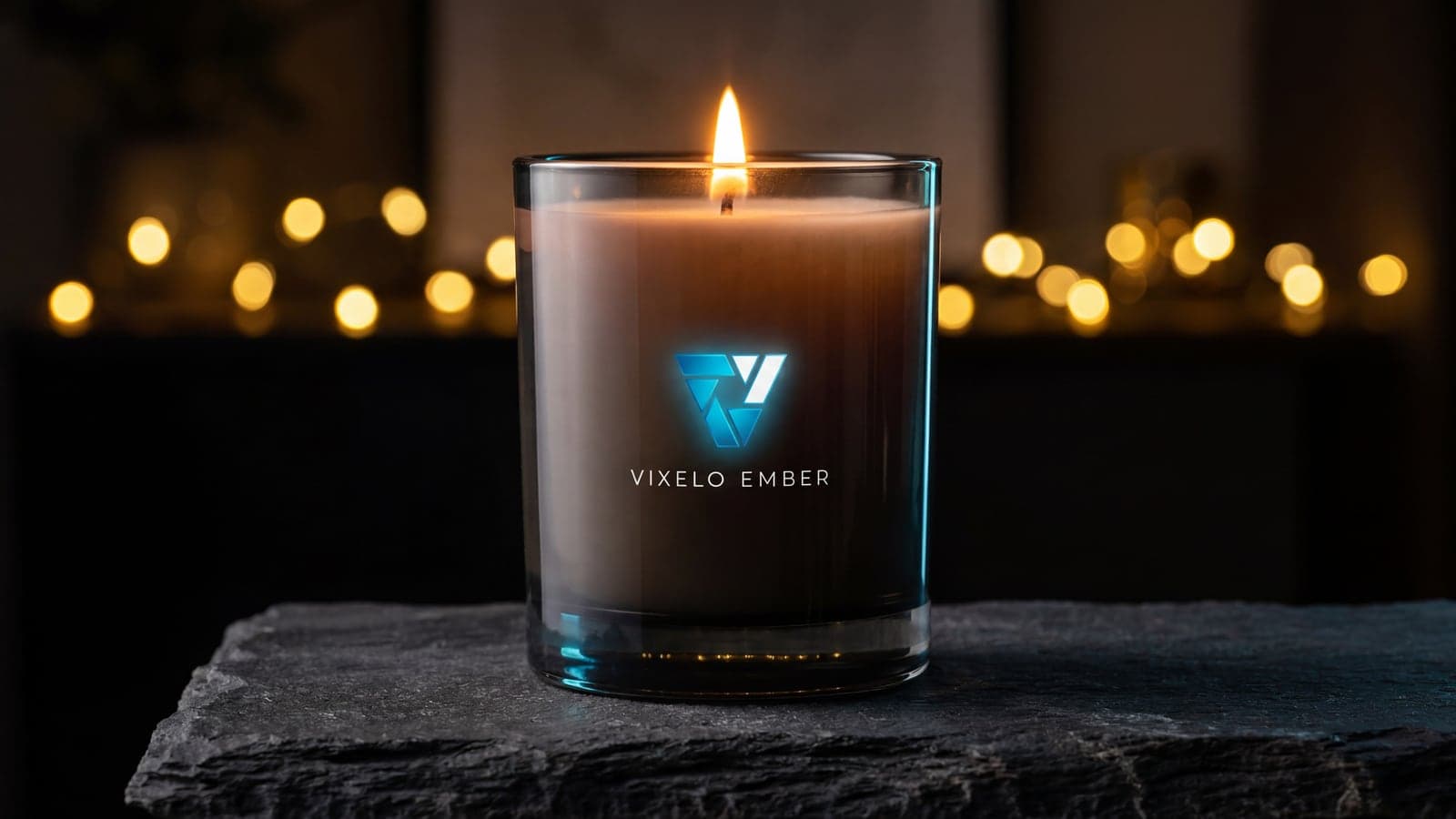
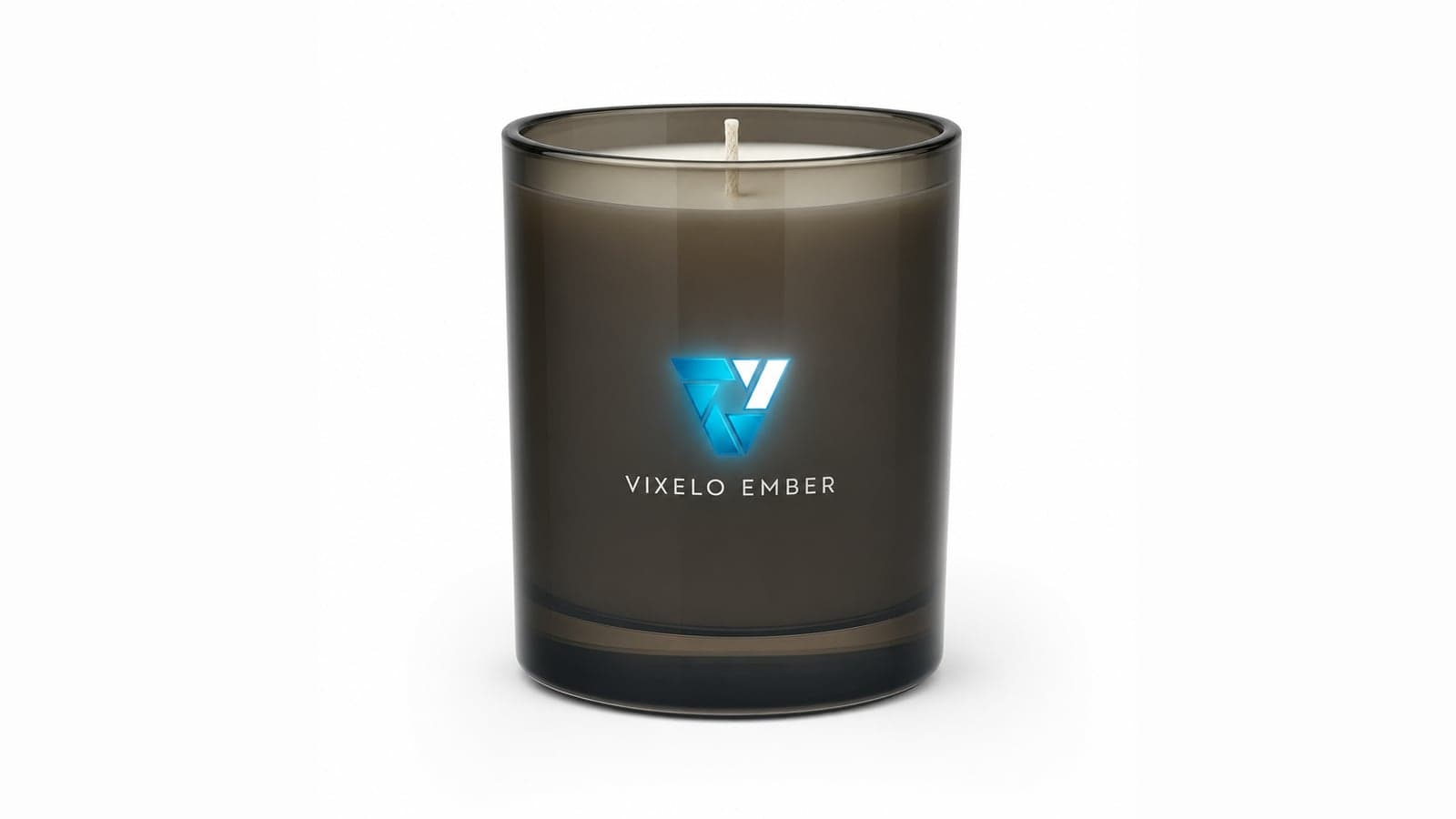
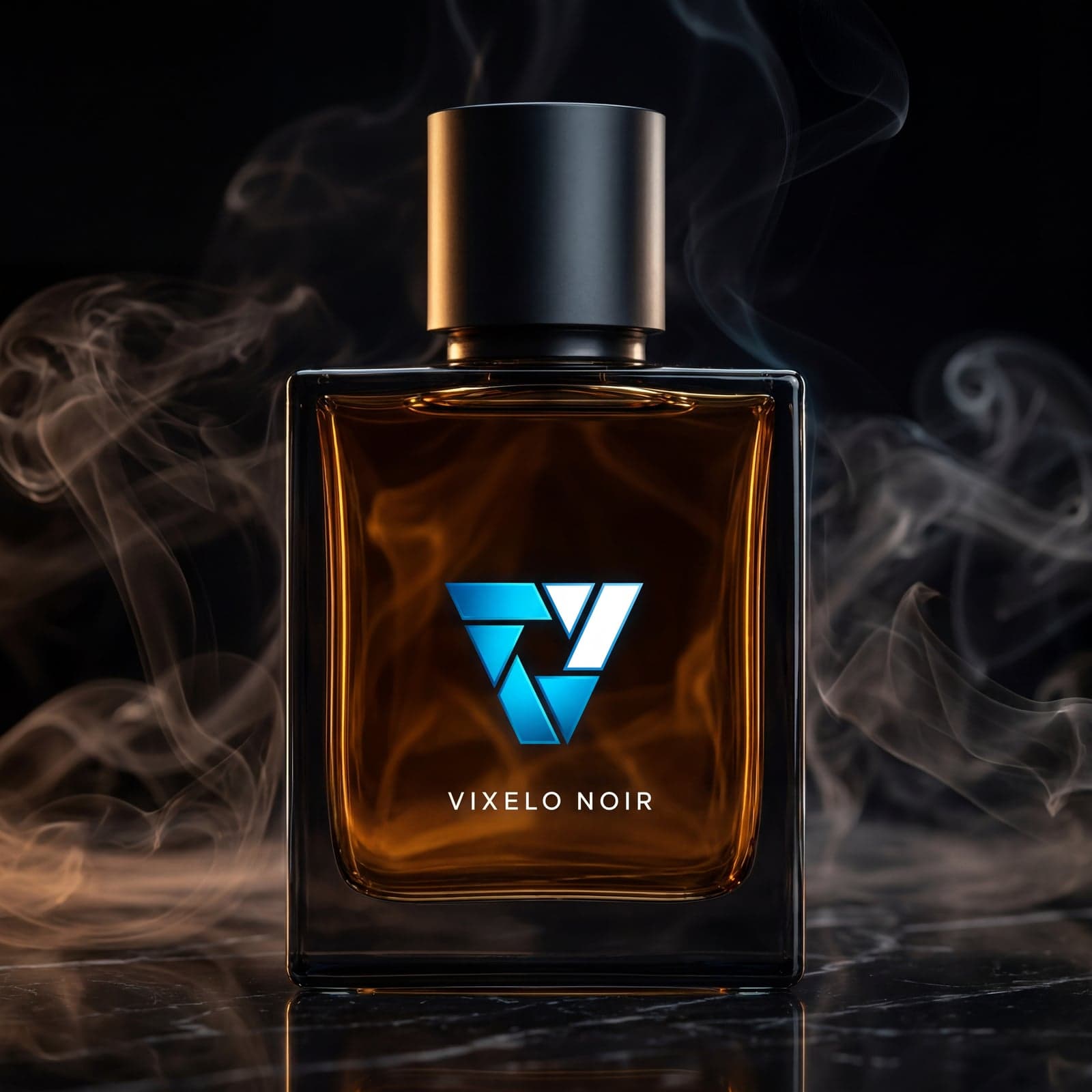
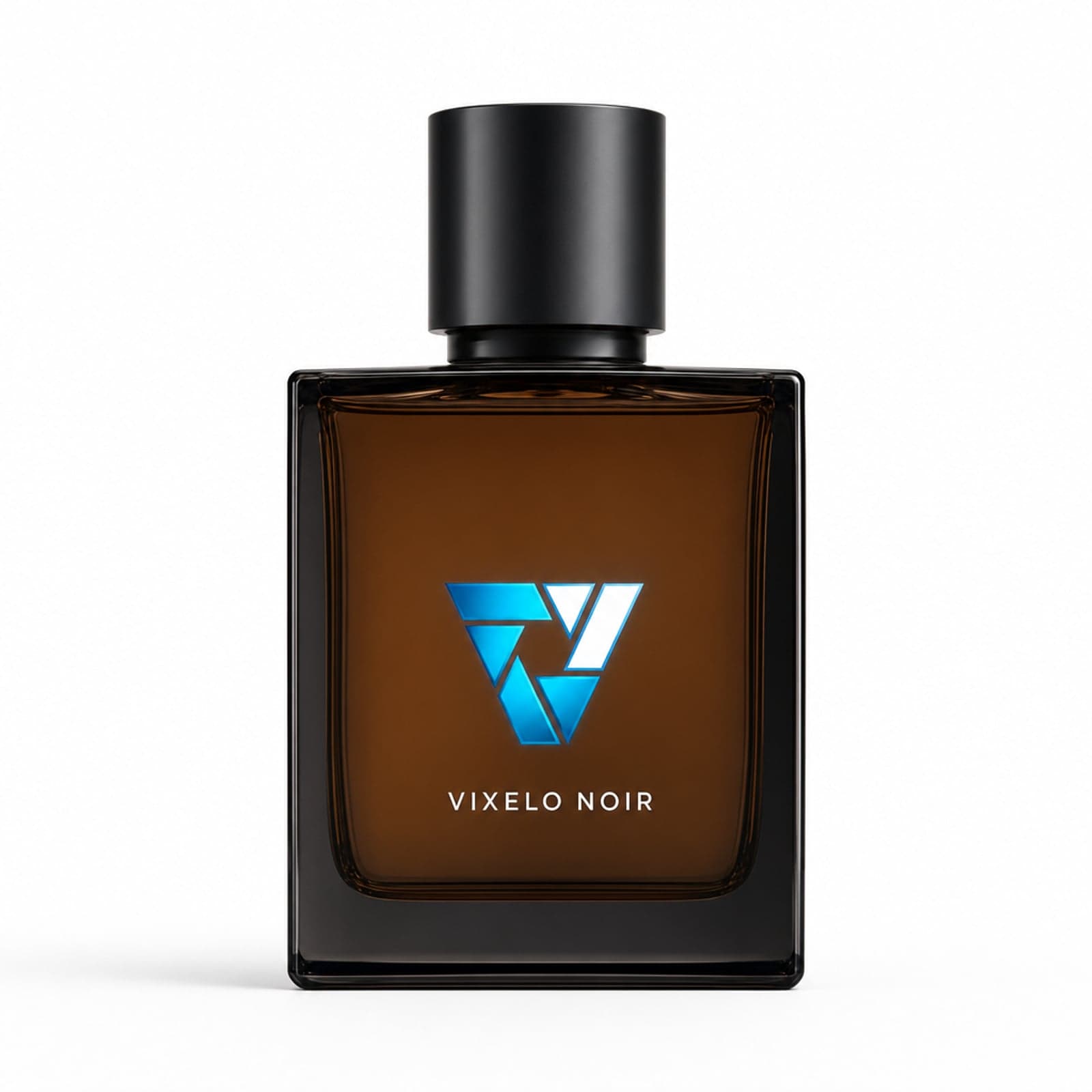
From plain photo to hero shot.
Every image below started as a plain product photo. Drag the handle and watch the studio appear.
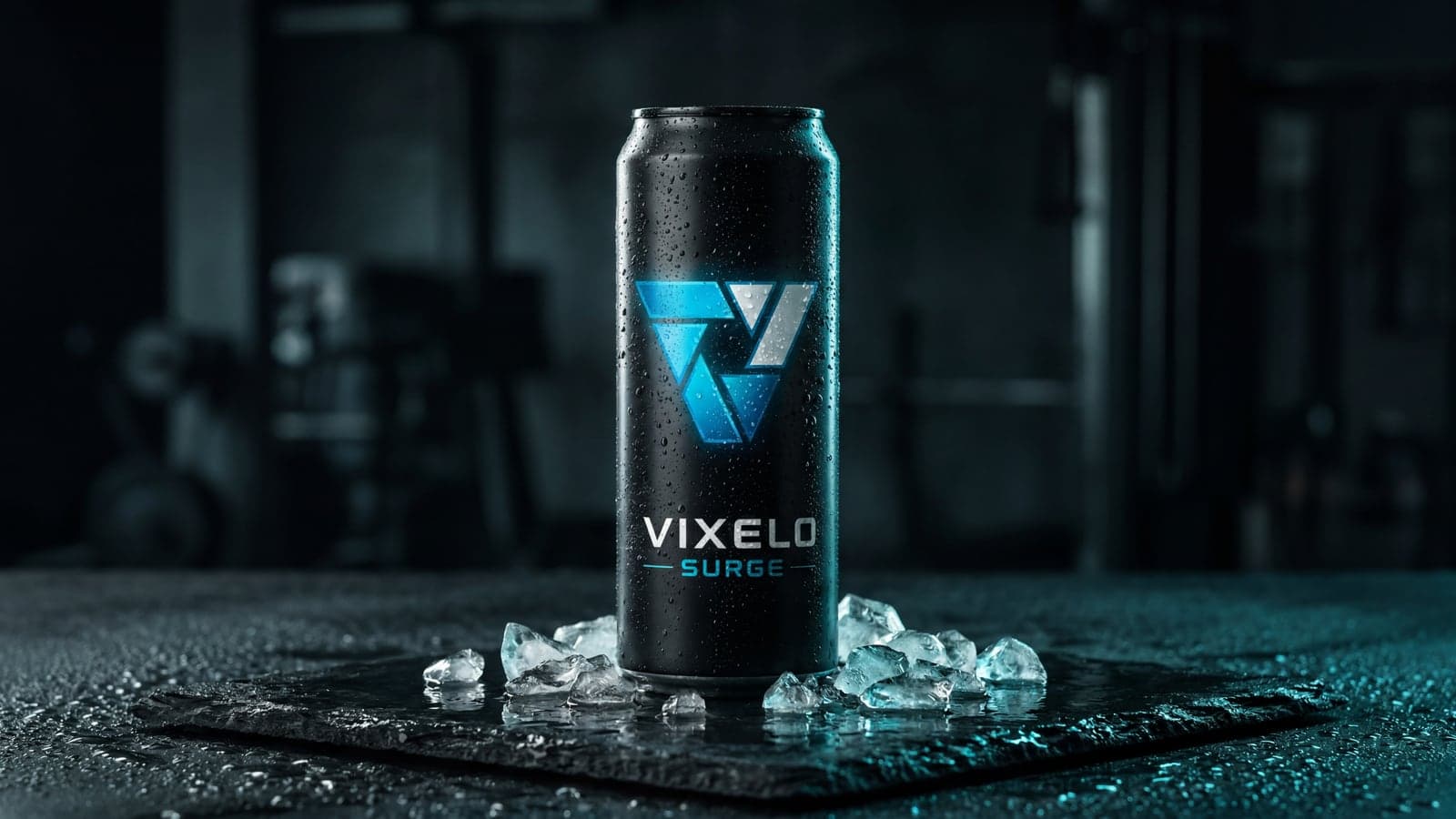
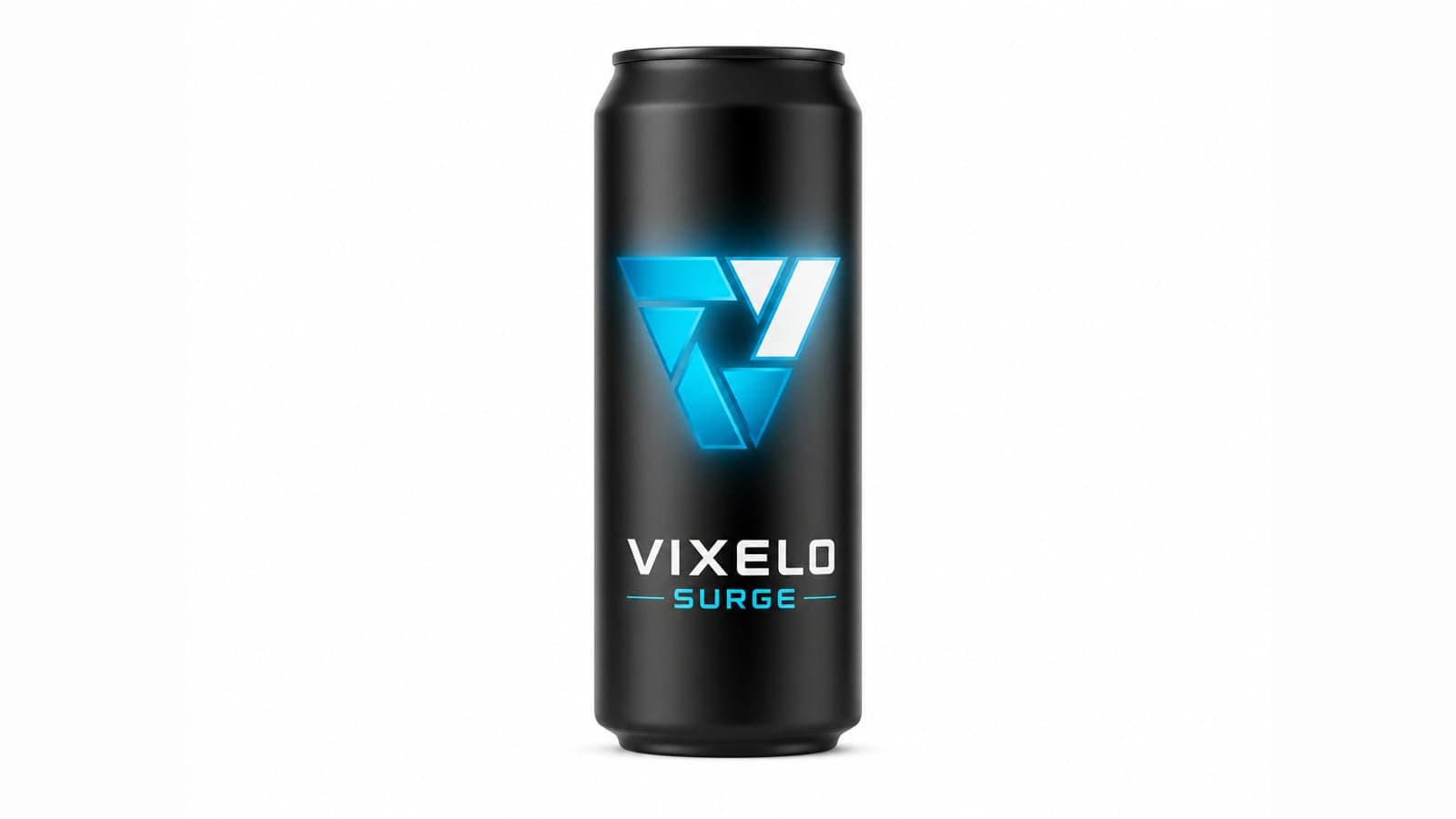
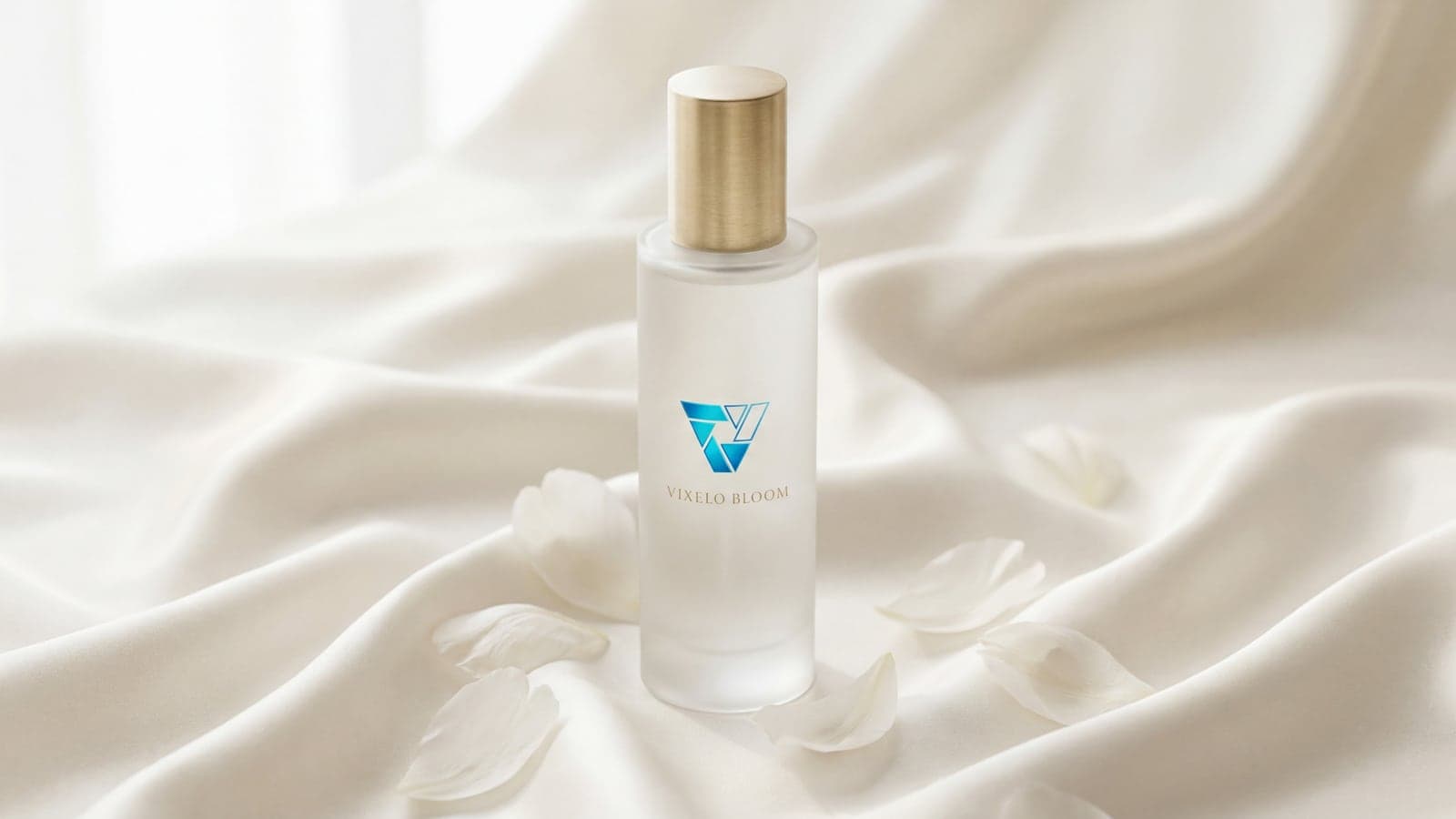
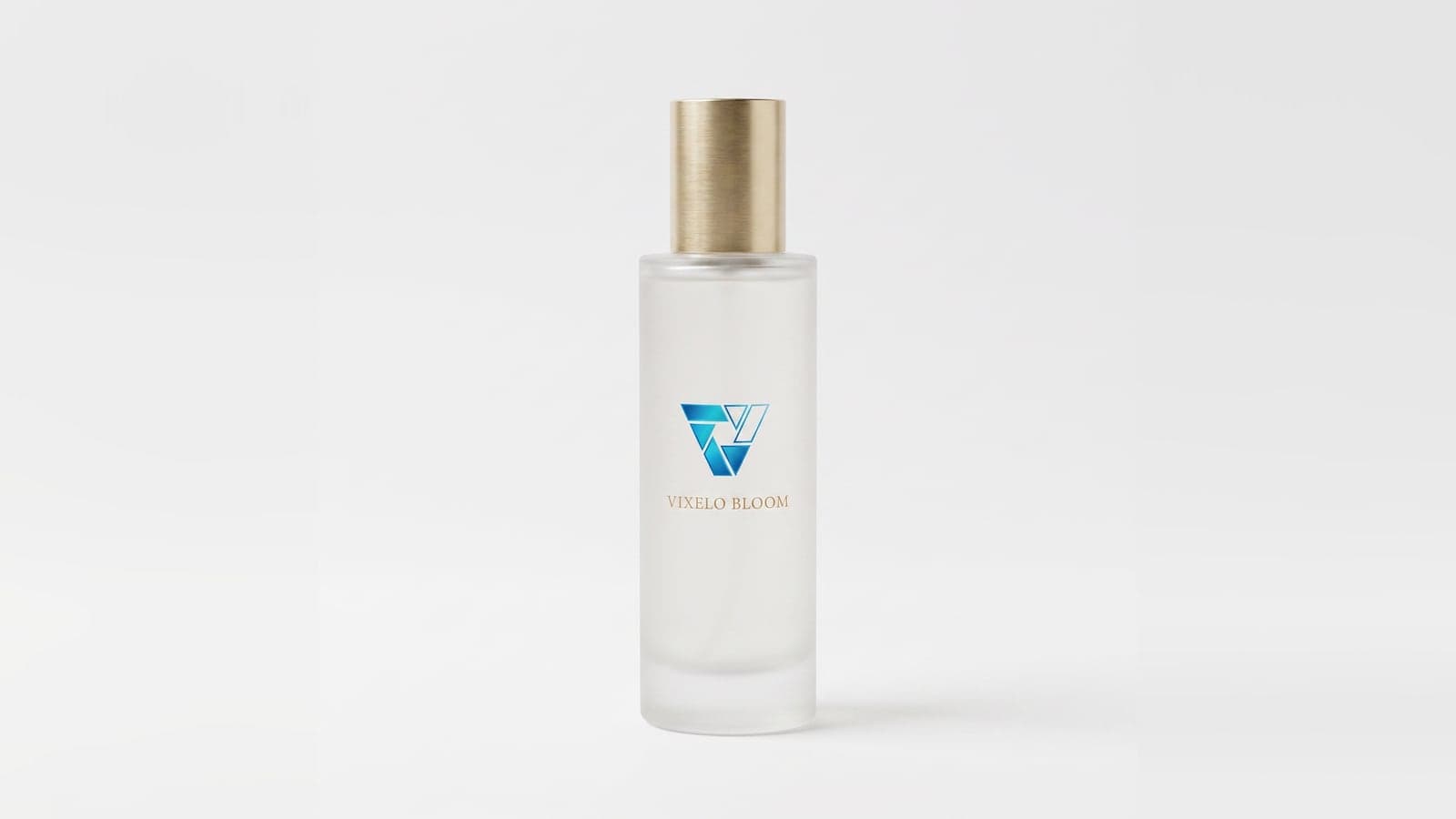
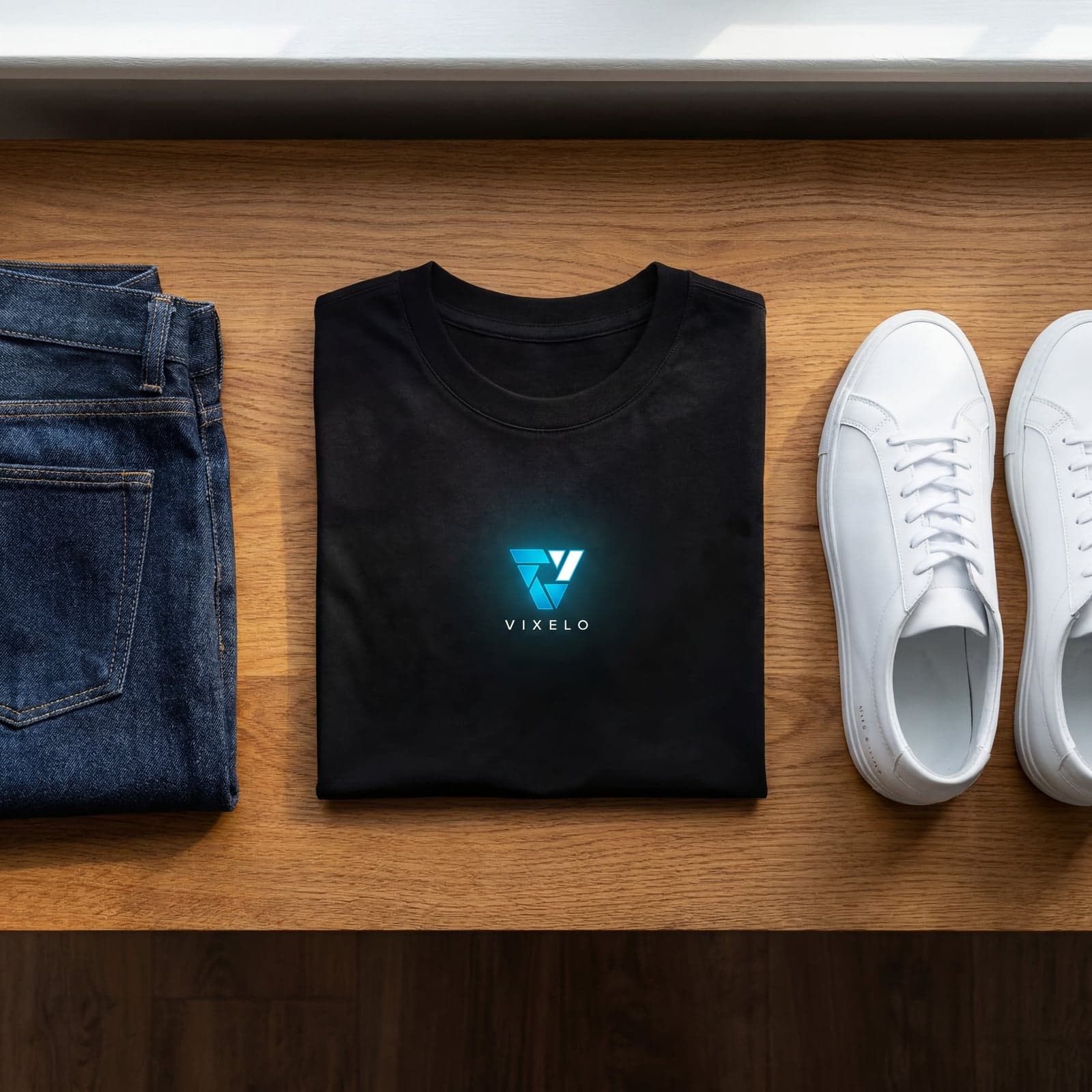
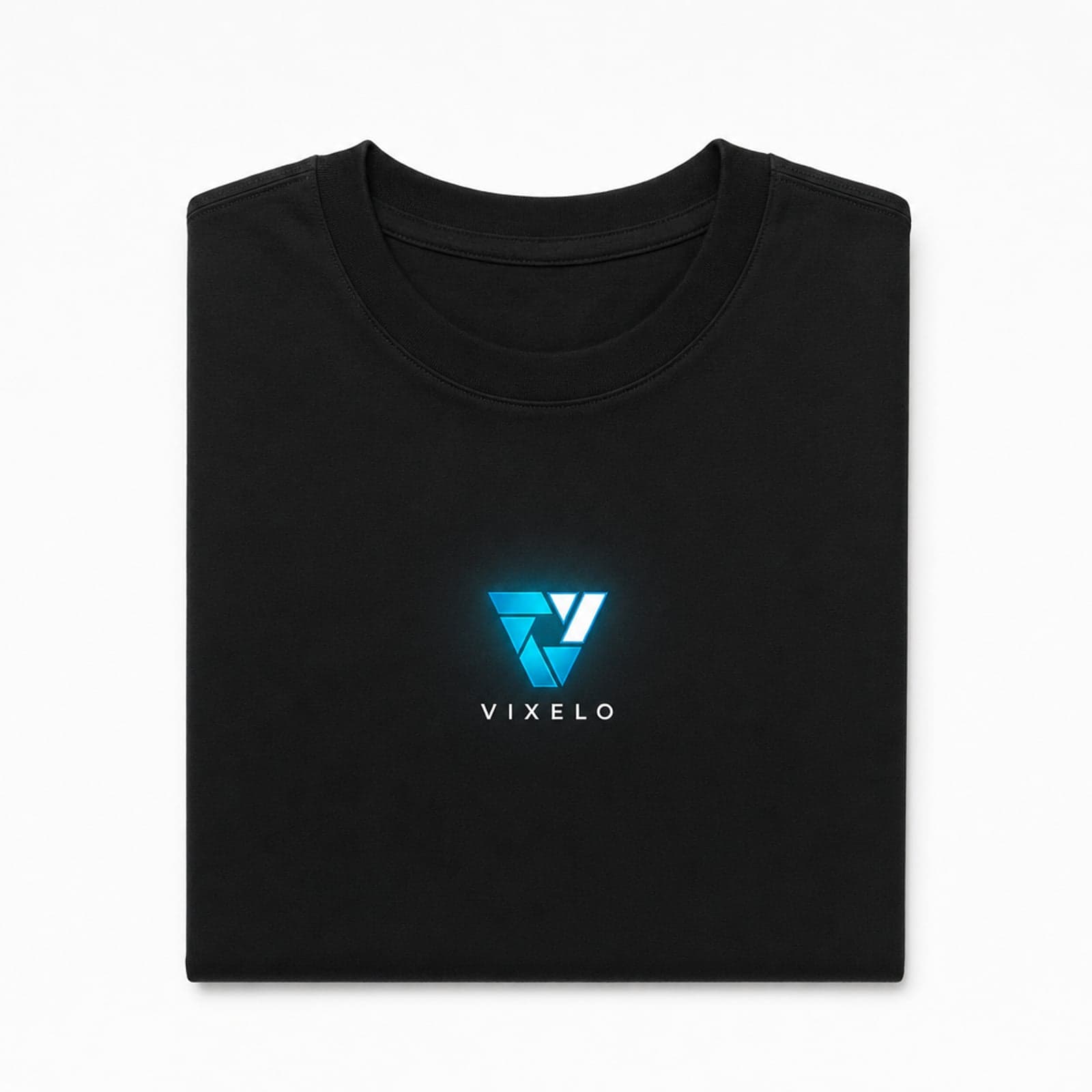
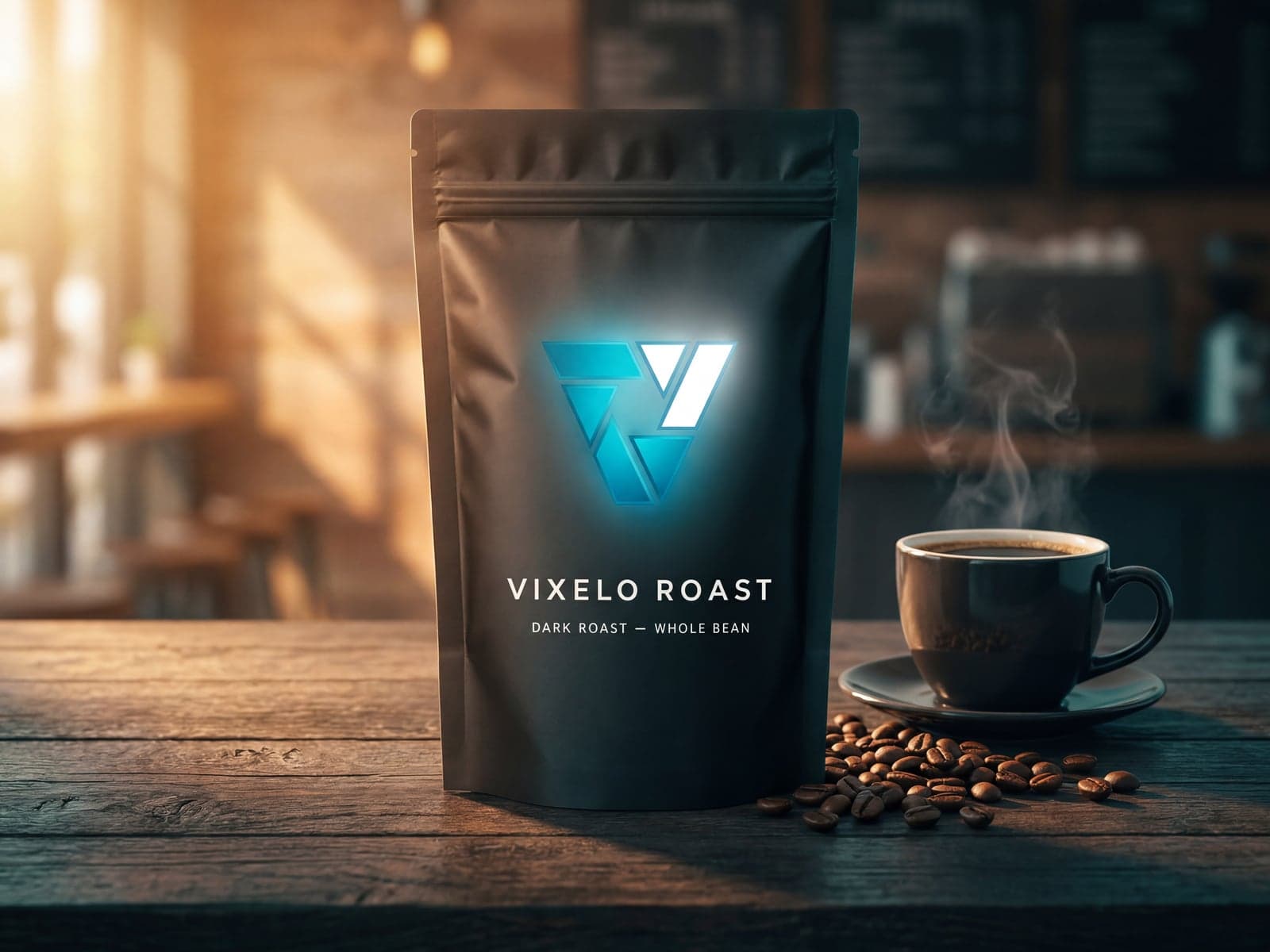
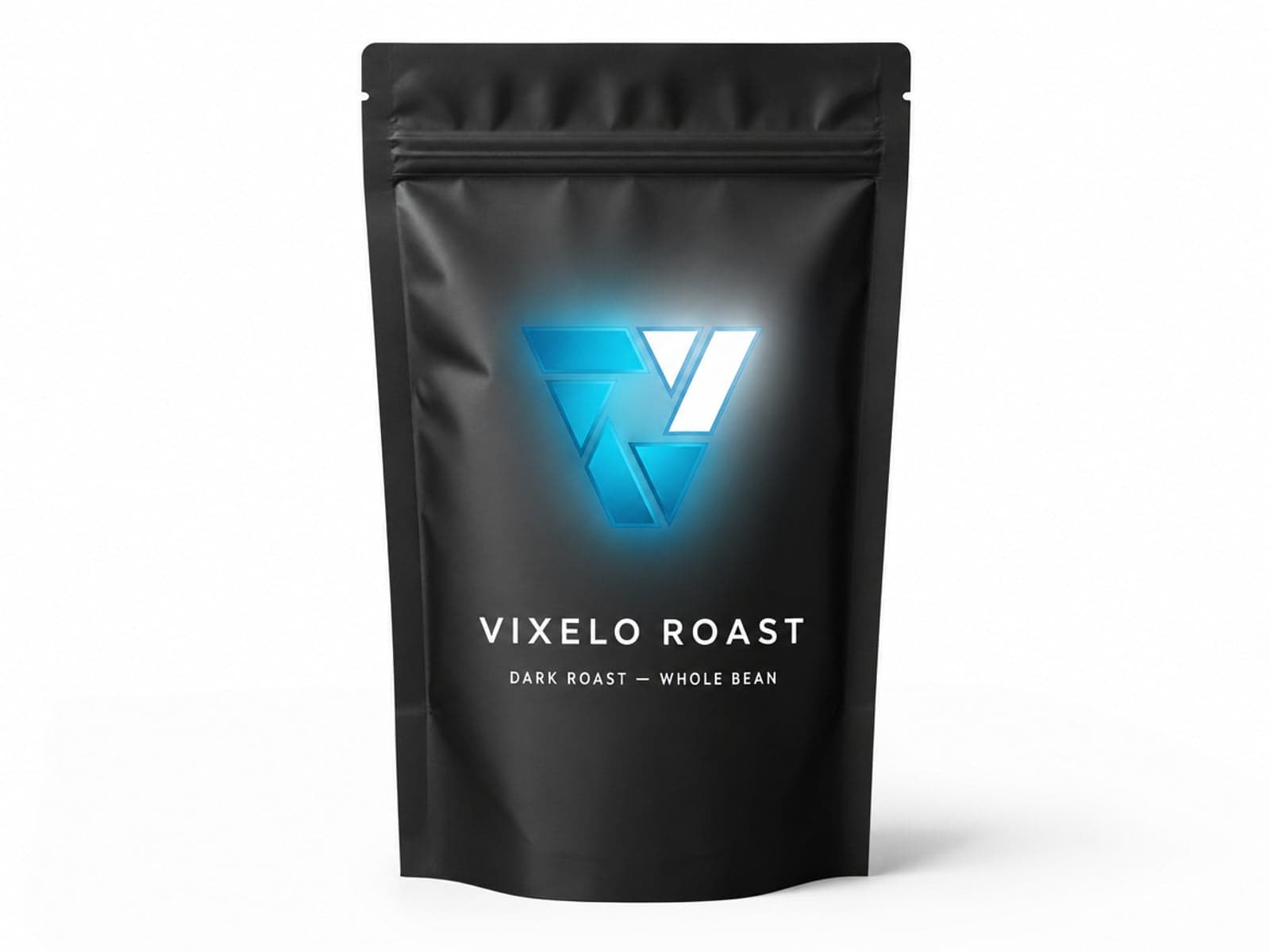
Video mode · ✦ Standard engine
And it moves.
Six-second product films, generated from a single still.
The Vixelo Effect: studio-grade images and video, up to 4K, from any product photo.
The studio
Every control, one screen.
The same panel you'll use on day one. Pick an engine, pick a ratio, hit Generate.
Drop your product image
PNG, JPG, or WEBP up to 20MB
Higher resolution images with good lighting produce the best results. One product per image is recommended. Multiple products may work but results will vary.
Mode
Auto: AI writes the scene description and picks the style and camera angle for you. You control ratio and all other settings.
Manual: You write the scene description and choose the style. Full creative control over every detail.
Engine
Standard: Great results at fewer credits per generation.
Premium: Enhanced detail and precision. Uses more credits per generation.
Generation times may vary based on resolution, complexity, and server load.
Ratio
Shape of your generated image. 1:1 = square. 4:3, 3:2, and 5:4 = landscape. 4:5 = portrait. 16:9 = widescreen. 9:16 = vertical/mobile.
Resolution
Higher resolution = more detail, larger file size, and longer generation time. Uses more credits as resolution increases. 1080p = standard, 2K = high detail, 4K = maximum quality.
Generations
Number of unique images generated per request. Each image consumes credits based on your engine and resolution settings. More generations = more variety to choose from.
4 free images · No credit card · ✦ Standard & 💎 Premium engines
How it works
The Vixelo workflow
Professional visual content, streamlined.
Upload
Simply drop your raw product image. Our AI instantly isolates the subject with pixel-perfect precision.
Generate
Choose a preset or let 'Auto' mode handle lighting, shadows, and environmental matching for you.
Download
Export high-resolution assets ready for your store, social media, or advertising campaigns.
Ready to transform
your brand?
Your first four images are free. See what your products look like under studio light.